
Hashnode CLI: publish and manage your blog from the terminal
Create posts, drafts, and image uploads with one command each. It works in scripts, in CI, and with coding agents.

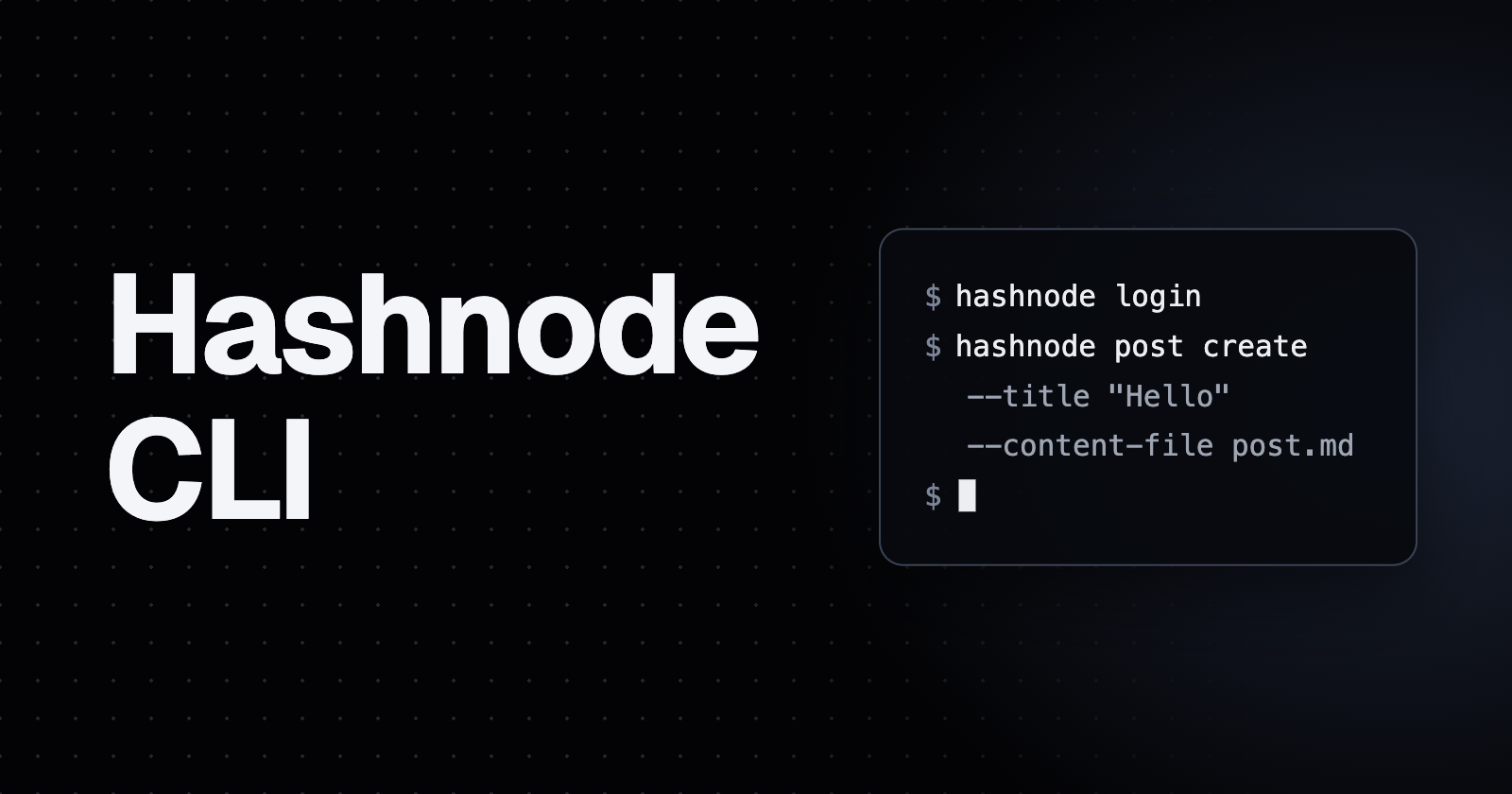
The Hashnode CLI lets you create posts, drafts, and image uploads on your Hashnode blog from the terminal. Install it with npm, log in once, and publish with one command.
npm install -g @hashnode/cli
You need Node.js 20 or later and a publication on Hashnode Pro.
How to set it up
Run
hashnode login. It prints a code and opens your browser. Type the code on the page and allow access. In CI, create a Personal Access Token in Settings, Developer and setHASHNODE_PATinstead.Find your publication id:
hashnode --host blog.example.com publication getPass it with
-p <id>, or setHASHNODE_PUBLICATION_IDonce and stop typing it.
Publish a post
hashnode -p <id> post create --title "Hello" --content-file post.md --tag java --tag javascript
You get the link back:
Published https://blog.example.com/hello (slug: hello, id: 66f2a9c1d4b8e53a7c0e1d42).
The markdown comes from a file, or from stdin if you pass --content-file -. It's sent unchanged, so frontmatter isn't read. Add several tags with a comma list (--tag java,javascript) or by repeating the flag. Add a subtitle, a series, or a canonical URL with flags such as --subtitle, --series-id, and --original-article-url. Run hashnode post create --help for the full list.
Want to look at a post before it goes live? Save a draft, then publish it:
hashnode -p <id> draft create --title "Hello" --content-file post.md
hashnode draft publish <draft-id>
Covers and inline images start with an upload. The command prints a CDN URL you can paste into your markdown or pass as --cover-image:
hashnode image upload cover.png
What else it can do
Run hashnode --help for the full list.
| Command | What it does |
post get, post list, post search | Read posts, by id or slug, newest first, or by search |
post update, post remove | Edit a post, or remove it |
draft update, draft get, draft list | Work on drafts, including everyone's if you're an owner or admin |
draft submit, draft reject | Run the review flow on a team publication |
publication get, publication members | Read a publication and its team |
series list, comment list, user, tag | Browse series, comments, profiles, and tags |
gql | Send any query or mutation yourself |
Use it in scripts and with agents
It's a plain command, so it works anywhere you can run a shell: a script, a cron job, CI, or a coding agent like Claude Code or Cursor. With HASHNODE_PUBLICATION_ID set, this turns a folder of markdown files into drafts, using each file name as the title:
for f in posts/*.md; do
  hashnode draft create --title "$(basename "$f" .md)" --content-file "$f"
done
Add --json to any command when a script needs to parse the output. post remove and draft delete ask you to confirm, and without a terminal they need --yes.
CLI, MCP server, or agent skill?
Use the CLI in a terminal, in scripts, and in CI. Use the MCP server if you work in a chat client like Claude or ChatGPT. Use the agent skill if your coding agent should learn the whole GraphQL API. They share the same Pro rules, and you can run all three. Setup for each is on hashnode.com/agents.
Before you publish
post creategoes live immediately. Use a draft if you want a look first.Removing a post can't be undone through the API. Only the author or a publication admin can do it.
Contributors can't publish directly. Run
draft submit, and an owner or admin publishes it.
FAQ
Is the Hashnode CLI free?
The CLI is free to install. Reading and writing a publication through the API needs Hashnode Pro on that publication.
Where does it keep my login?
On your machine, in a file only you can read. On a shared computer, use HASHNODE_PAT so nothing is saved, or run hashnode logout when you're done.
How is it different from the GitHub Action?
The GitHub Action publishes markdown files when you push to a repository, and it reads frontmatter. The CLI is for commands you run yourself, and it sends content as it is.
About the author
Software Developer @Bug0 | @Hashnode, Contributing writer to The Foreword by Hashnode


