Feed
Discussion
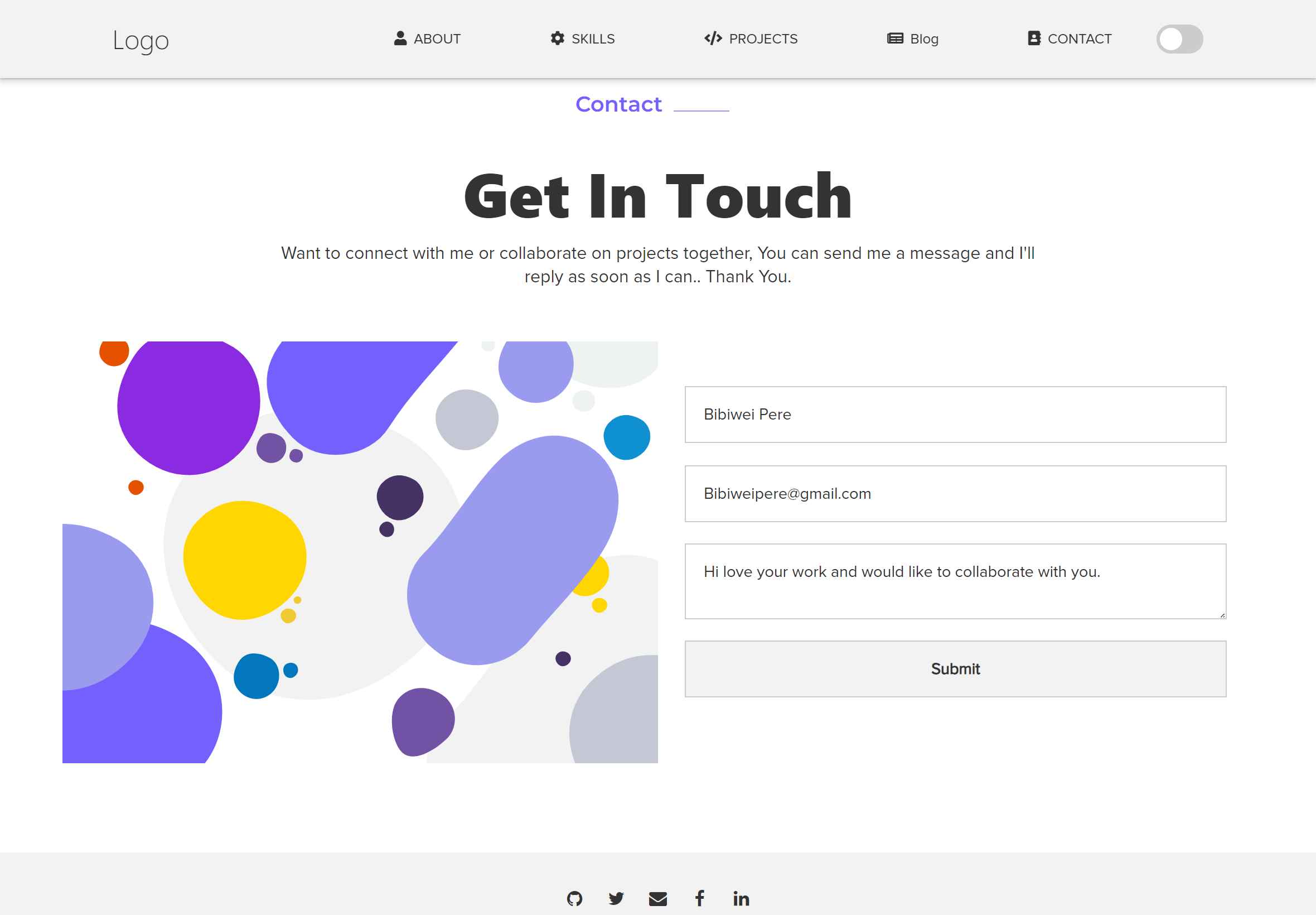
4 easy steps to add contact form to your website that sends inputs to your mail for free
After creating a contact form on your website, you may want to add a code that collects the name, email, message etc for anyone who fills out the form and sends the details to any desired email of your choice. Emailjs is the answer. It offers free em...
Responses
Markdown supported · ⌘↵ to post
Nice walkthrough. One thing worth keeping in mind with EmailJS setups is that they work well for quick projects, but the frontend becomes part of your delivery pipeline. That means your public key, request flow, and rate limits are all exposed at the client layer.
For simple portfolio or contact pages that’s usually fine, but once forms start handling lead generation, bookings, or anything business-critical, I’ve found server-side handling tends to be more reliable. It gives you better control over validation, spam protection, logging, retries, and integrations with other systems.
EmailJS is definitely a good lightweight starting point though, especially for developers who want to avoid setting up backend mail handling early on.