Feed
Discussion
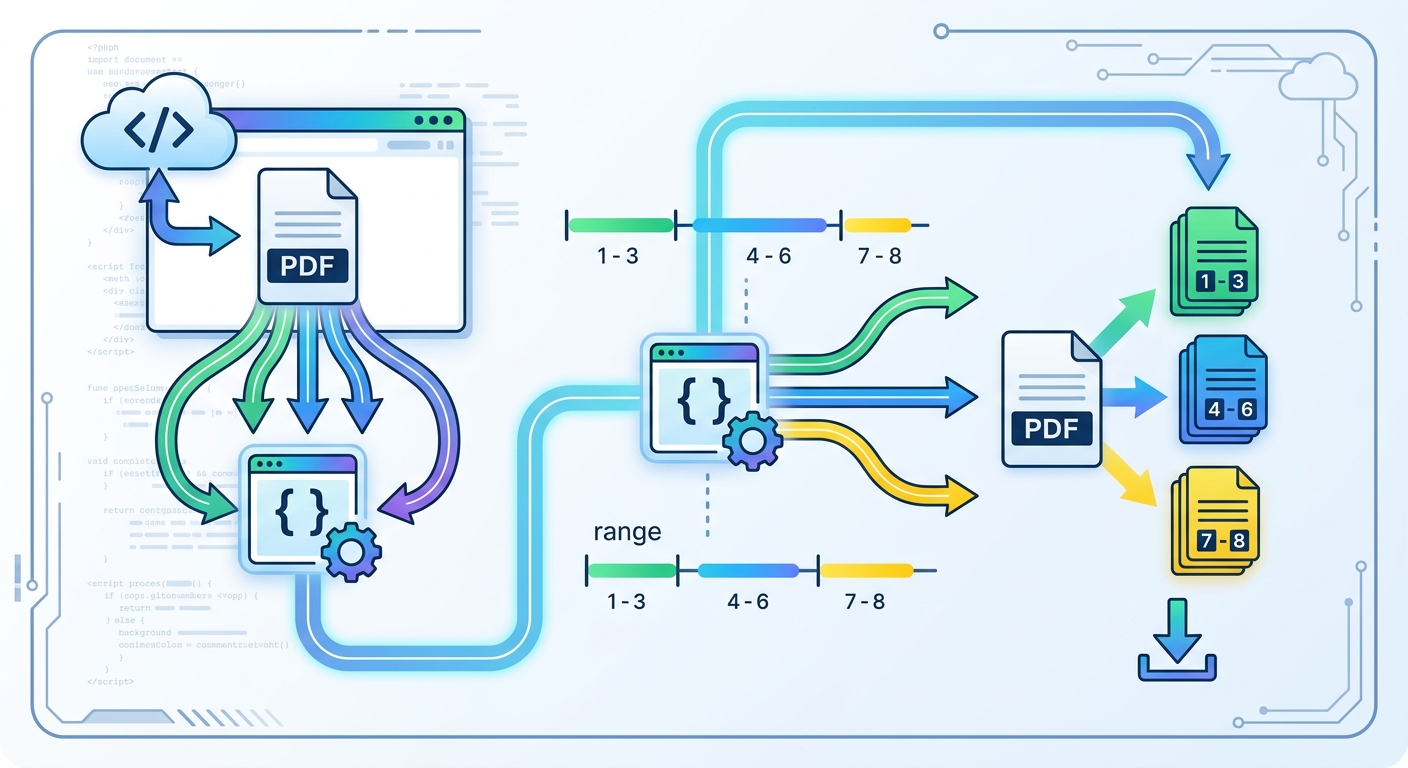
How to Split a PDF into Page Ranges in Google Colab
If you have a multi-page PDF and want to turn specific page ranges into separate PDF files, you can do this easily with PyMuPDF in Google Colab. For example, you can split a PDF like this: Pages 1–3
Responses
Markdown supported · ⌘↵ to post
No responses yet.