Architecture of a Next-Gen QR Platform: How We Built Buzz QR AI with React Native & Google ML Kit
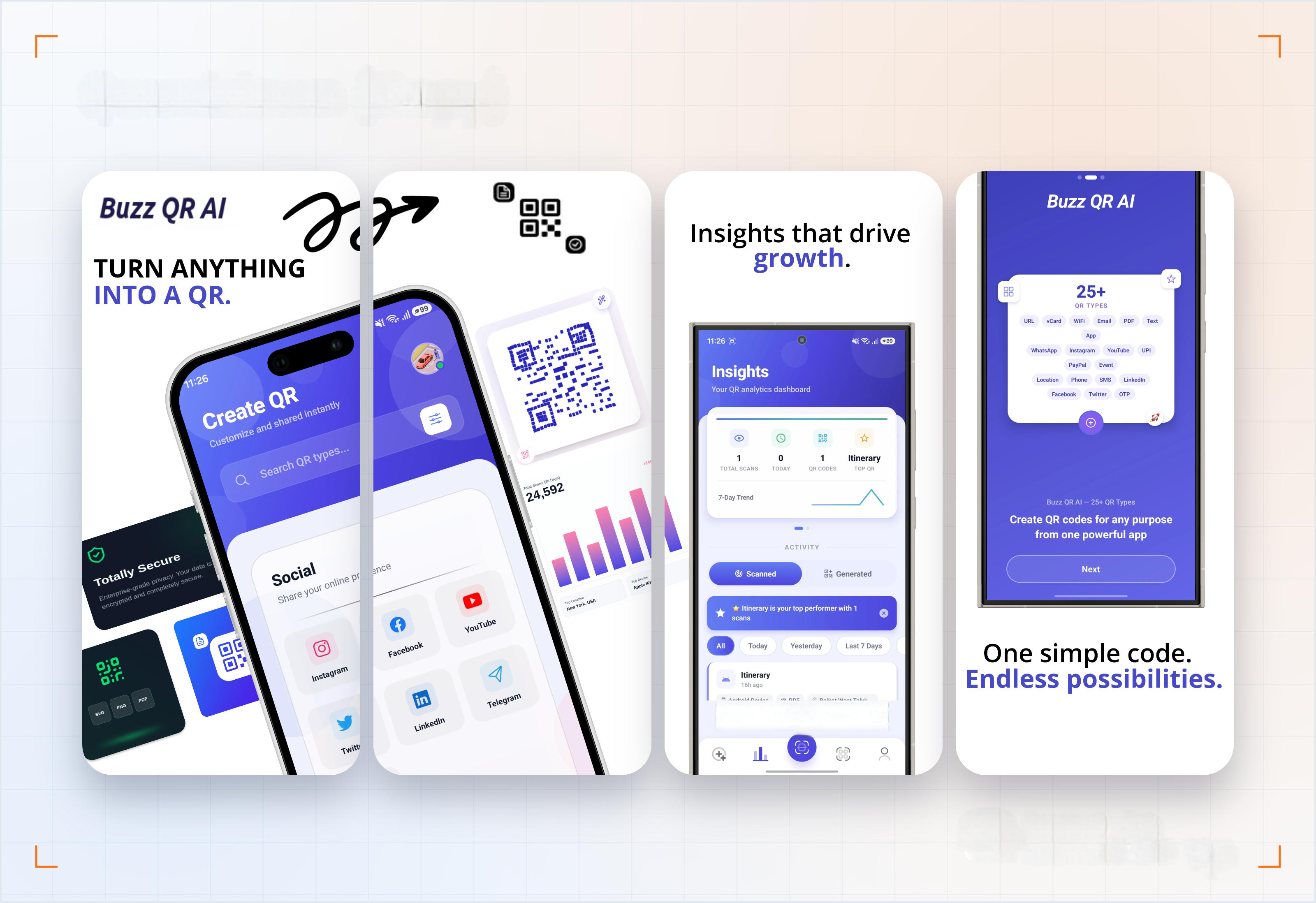
QR codes have evolved into essential digital infrastructure. We use them daily to settle bills via UPI, connect to coffee shop Wi-Fi networks, exchange contact vCards at conferences, and route custome
Responses
Markdown supported · ⌘↵ to post
Steven Mock
Founder of MockTools
The scanability score is the part that matters most to me as an operator. A QR code on a sign, an invoice, or a property listing that looks good but will not scan in low light, or after the print fades, is worse than a plain one — it just quietly costs you the person who tried.
Catching that before printing, on the device, is the right call. And keeping the analysis on-device is a real plus when these codes point at payment and login flows. Nice write-up — the contrast and quiet-zone trade-offs were explained clearly.