Good list. One check a source scanner can't do is the built output, since it can't see variables set in a hosting dashboard. After a production build I grep the client bundle folder for the key prefix (sk- or sk-ant-). If it shows up there, the key is public no matter what the repo looks like, and it's a cheap CI step.
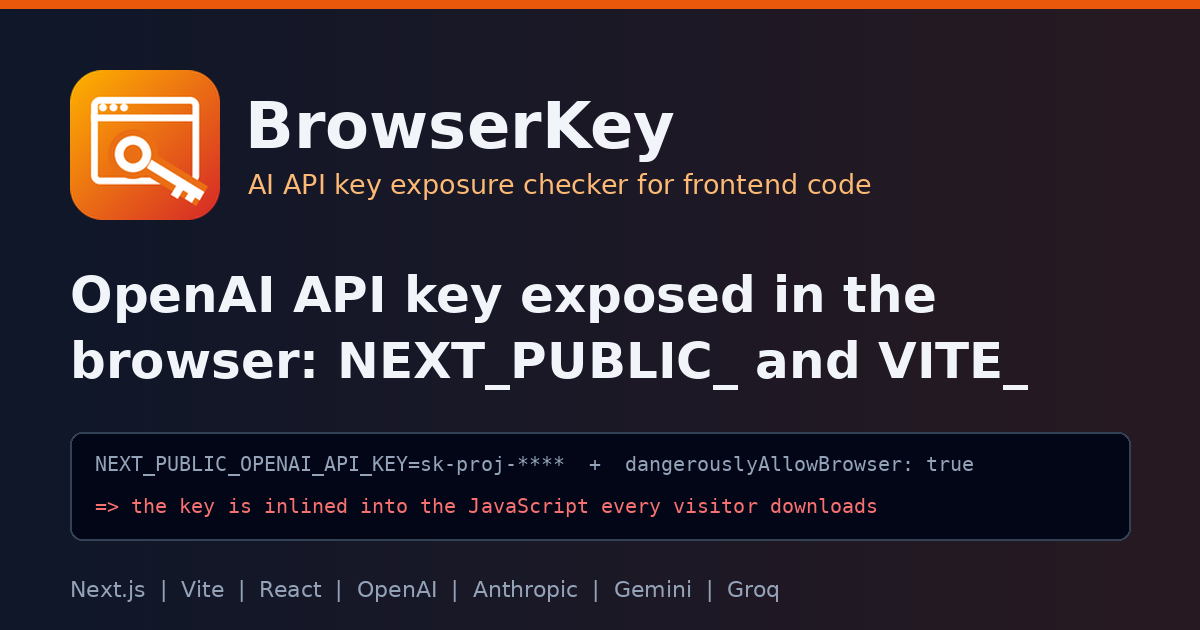
Agreed, and that's a real gap in what a source scanner can see. BrowserKey reads the repo, so a NEXT_PUBLIC_OPENAI_API_KEY set only in the Vercel or Netlify dashboard is invisible to it. The built bundle is the one place that tells you the truth. If the key is in there, it's public, whatever the source looks like.
A few things that make the CI check more reliable:
Scan only the client output. For Next.js that's .next/static, not .next/server, which would give false alarms. For Vite and CRA it's dist/ or build/.
Include source maps. .map files often hold the original source with the inlined value.
Match the prefixes, not just sk-: sk-proj-, sk-ant-, AIza, gsk_.
Print file names only (grep -l), so the check itself doesn't leak the key into your CI logs.
npm run build
if grep -rlE 'sk-(proj|ant)-[A-Za-z0-9_-]{20,}|gsk_[A-Za-z0-9]{20,}' .next/static dist build 2>/dev/null; then
echo "AI provider key found in the client bundle (files listed above)"; exit 1
fi
Doing both makes sense. BrowserKey catches it while you're writing the code, and the build check catches whatever was configured outside the repo.
Tarun Sharma
React.js Frontend Web Developer | Next.js Specialist
Good list. One check a source scanner can't do is the built output, since it can't see variables set in a hosting dashboard. After a production build I grep the client bundle folder for the key prefix (sk- or sk-ant-). If it shows up there, the key is public no matter what the repo looks like, and it's a cheap CI step.