Building A Data-Driven Organizational Chart In Apps Script
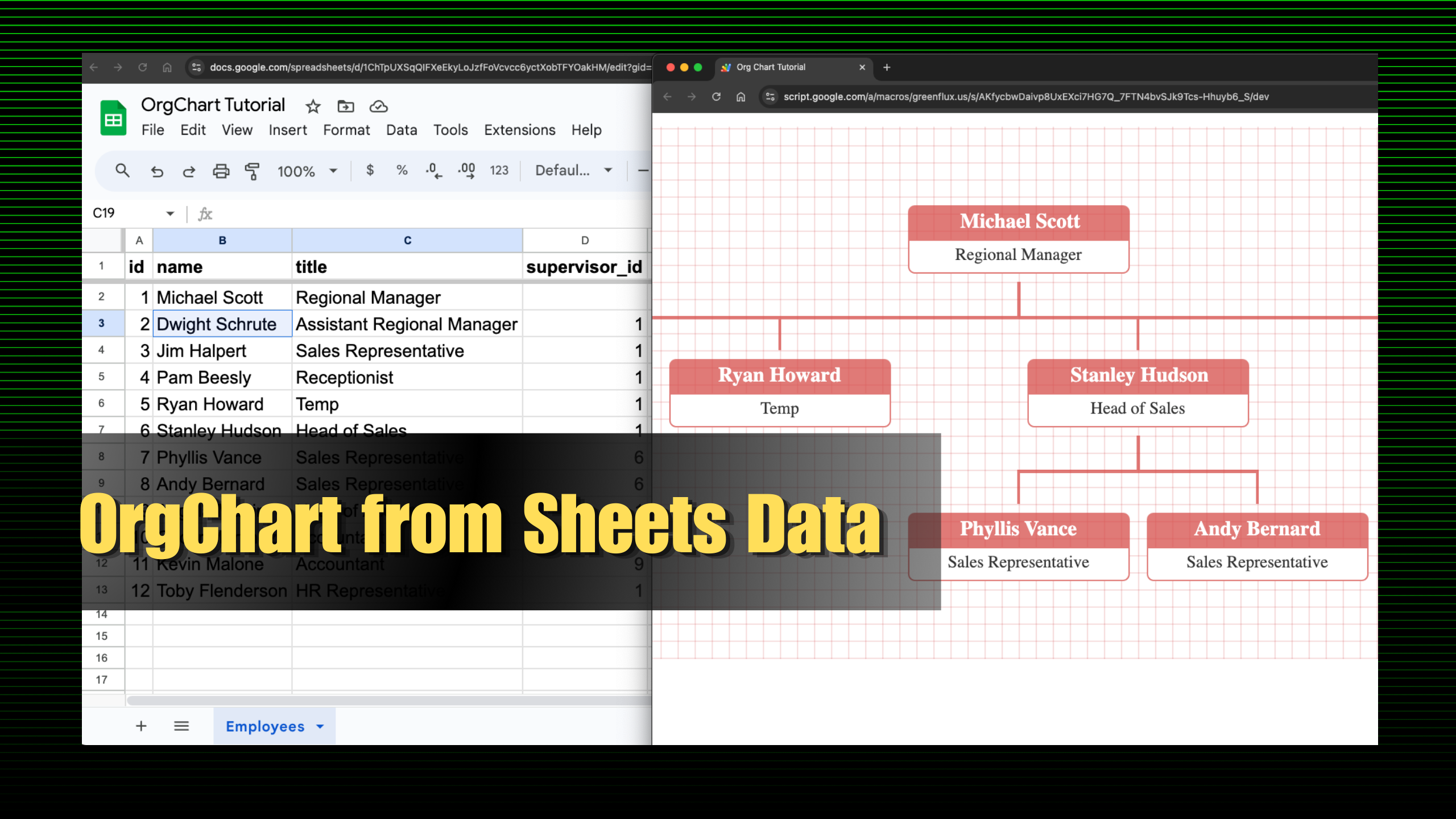
Organizational charts help visualize the reporting structure of a company in a tree-like graph. They are usually created with a design tool, and lots of manual data entry. Then, every time an employee changes, the graphic has to be updated again manu...
Responses
Markdown supported · ⌘↵ to post
Jani jan
games
Using Google Apps Script to build a data-driven organizational chart allows teams to visualize hierarchy and relationships dynamically. By connecting the chart to Google Sheets, updates are automated, reflecting real-time changes in structure. This approach boosts efficiency, ensuring teams have accurate, up-to-date organizational insights effortlessly.