Free AI-powered image tools — geotagging, metadata editing, EXIF removal, compression, conversion, watermarking & image editing. All browser-based, no uploads.
Building free AI-powered image tools for photographers, local businesses, and SEO professionals. GeoImageTagger offers 9 browser-based tools: AI geotagging, metadata viewer & editor, EXIF remover, image compressor, image converter, AI location finder, watermark tool, and image editor. Everything runs locally in your browser — your images never leave your device.
Markdown supported · ⌘↵ to post
Firefly Team
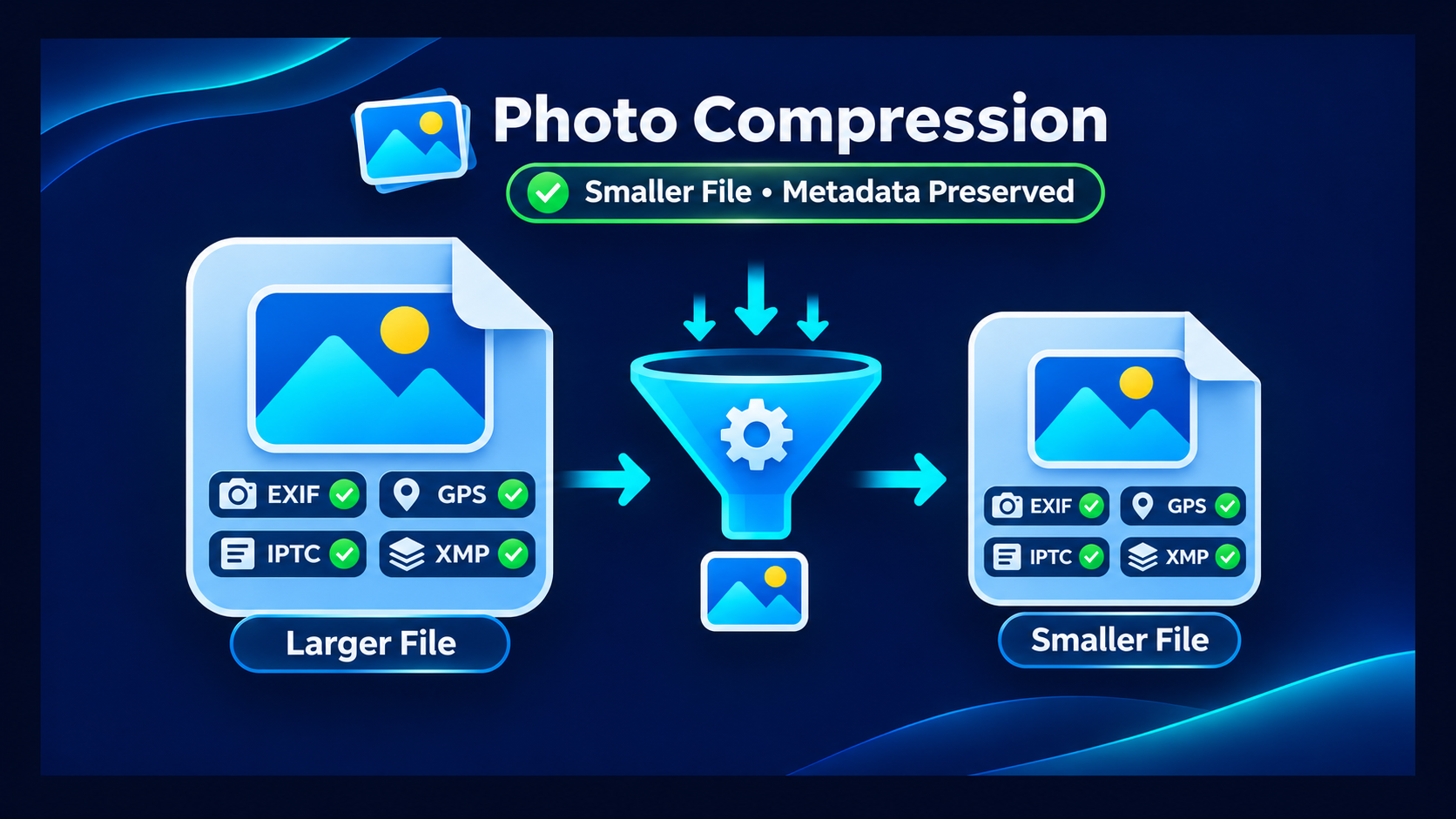
One catch with the restore step: browsers now apply EXIF orientation when decoding into a canvas, so the re-encoded pixels are often already upright. If you then copy -all:all back from the original, Orientation=6 comes along and viewers rotate the image a second time. Resetting it after the copy (exiftool -Orientation=1 -n compressed.jpg) avoids that. Does your compressor normalise orientation before it writes the EXIF block back?