One detail for the audit log item: send the kube-audit category, not kube-audit-admin. AKS offers both, and kube-audit-admin leaves out every get and list request to cut volume. For a read-only identity that is nearly everything it does, so the cheaper category would show your agent doing almost nothing. With kube-audit, a filter on user.username for system:serviceaccount:book-review:k8s-triage-reader gives you the server's record of every read, including the Forbidden ones.
That filter also shows why your first hardening item belongs first. If the agent had pointed kubectl at your admin kubeconfig, those requests would be logged under your user, not the ServiceAccount, so a filter on the agent's identity would miss them completely. The audit log records what each identity did. Keeping the admin file off that machine is what stops the agent's requests from arriving as yours.
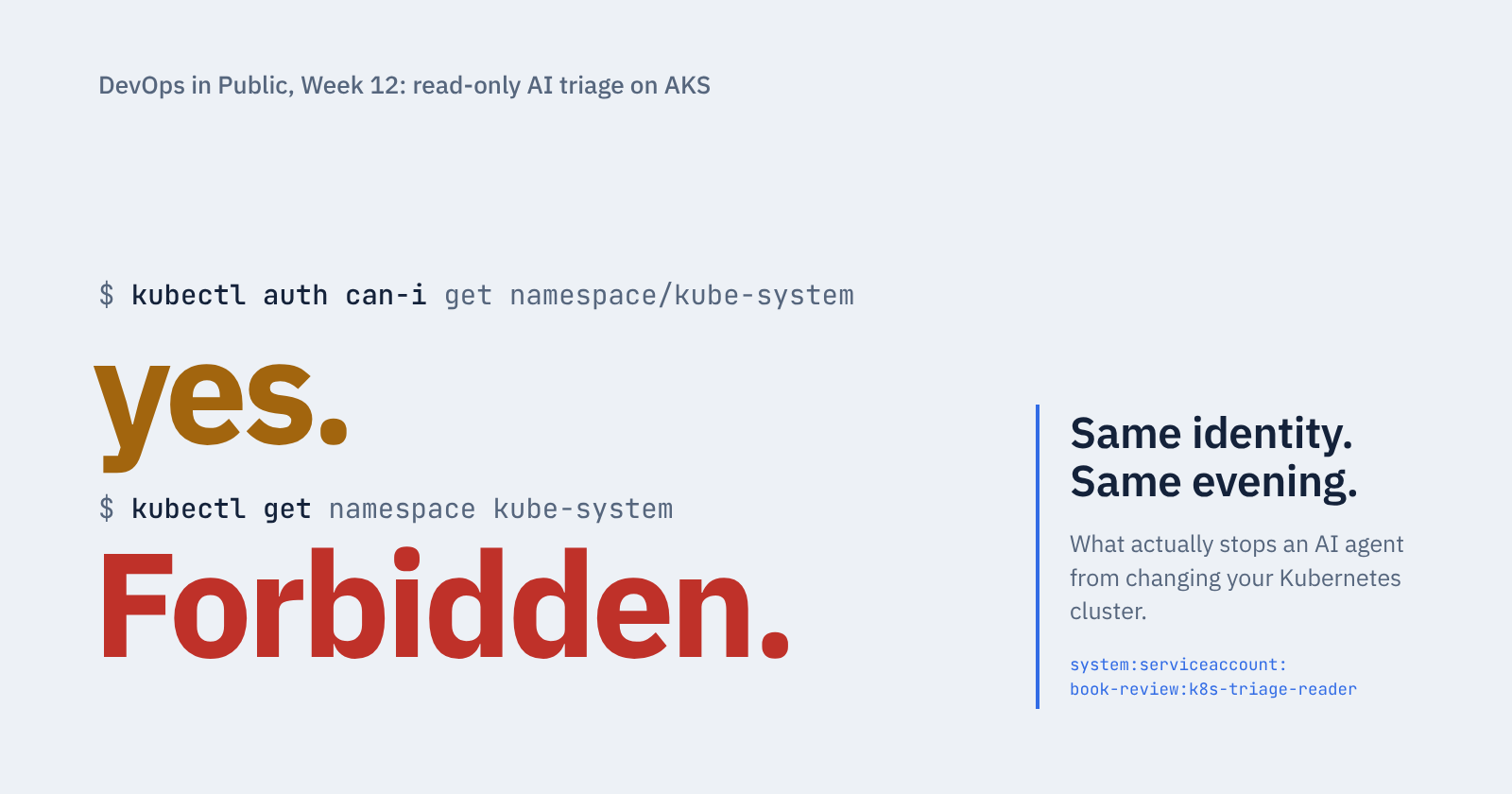
One detail for the audit log item: send the kube-audit category, not kube-audit-admin. AKS offers both, and kube-audit-admin leaves out every get and list request to cut volume. For a read-only identity that is nearly everything it does, so the cheaper category would show your agent doing almost nothing. With kube-audit, a filter on user.username for system:serviceaccount:book-review:k8s-triage-reader gives you the server's record of every read, including the Forbidden ones.
That filter also shows why your first hardening item belongs first. If the agent had pointed kubectl at your admin kubeconfig, those requests would be logged under your user, not the ServiceAccount, so a filter on the agent's identity would miss them completely. The audit log records what each identity did. Keeping the admin file off that machine is what stops the agent's requests from arriving as yours.