Feature
MCP connect: Give Claude, ChatGPT, or Codex read and write access to your posts"
MCP connect links any MCP client directly to your Hashnode publications. Point one at the server below, approve the connection, and it can create, read, update, list, and delete posts, the same actions you'd take in the editor.
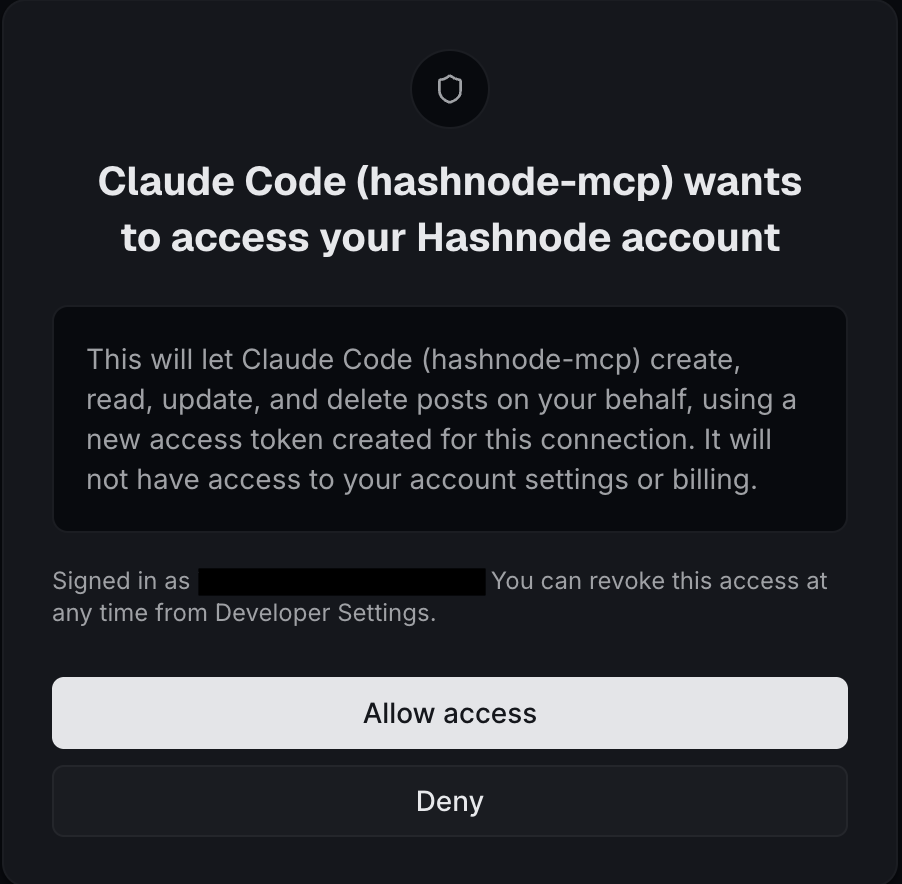
Creating, updating, listing, and deleting require a Pro plan.
How to connect a client
Point any MCP client at this URL to start. Claude Code, Cursor, ChatGPT, and anything else that speaks MCP can add it the same way.
https://mcp.hashnode.com/mcp
For example, adding it in Claude Code:
claude mcp add --transport http hashnode-mcp https://mcp.hashnode.com/mcp
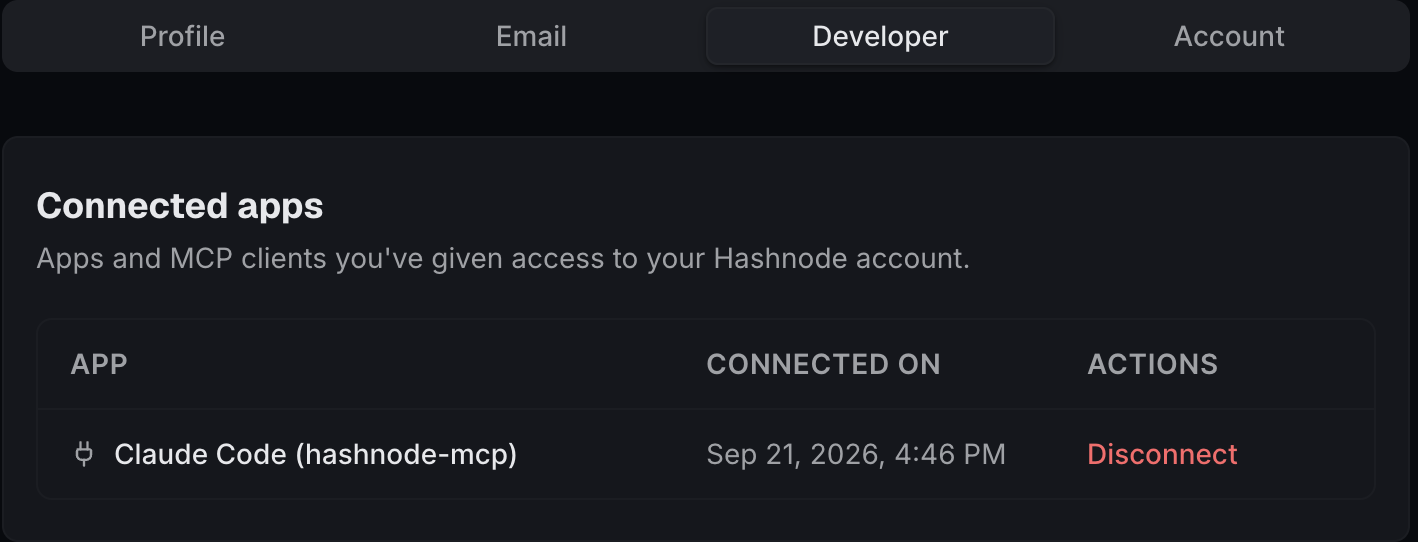
Where can I see the connected apps
Every connected app shows up in Developer Settings. Disconnect any one without touching the others. Access cuts off immediately.
This is v1. More tools and permissions are coming.