AEO toolkit: Start tracking with suggested queries
Citation tracking starts with ten empty slots. Which questions do you ask? Most people type one and stop.
Now you don't have to start from nothing.
Suggested queries
Go to your dashboard, open AEO, then the AI citations tab. Click Suggest from my articles.
We read your articles and propose up to three questions your readers might ask an AI assistant. They save right away. Delete the ones you don't want.
The button shows while you track fewer than three queries. It's a starting point; after that, you write your own. Every query runs against ChatGPT, Claude, Gemini, and Perplexity each day.
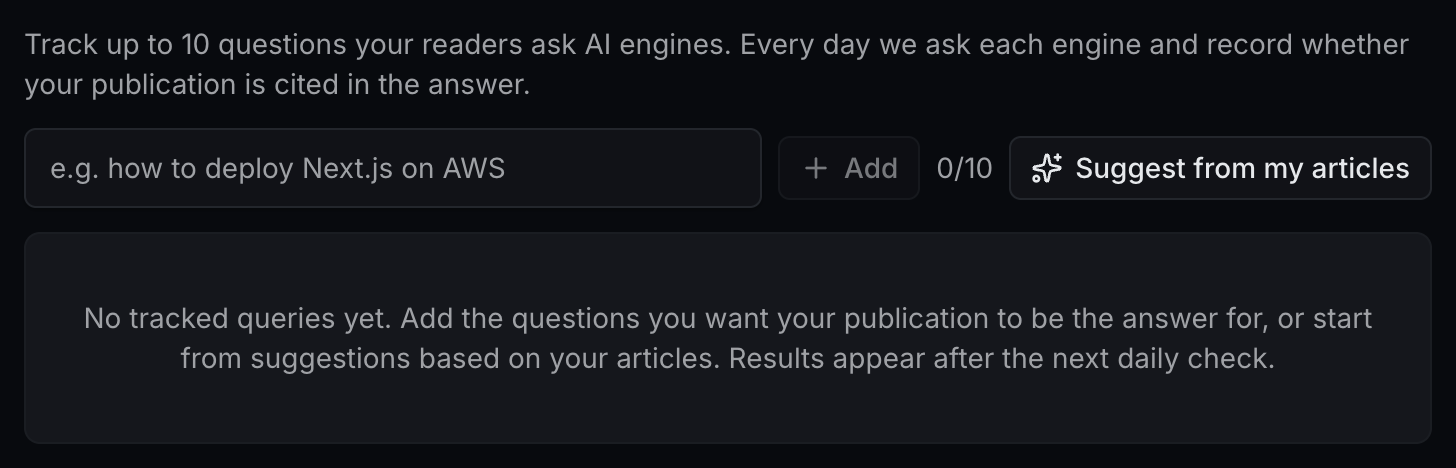
Adding and removing queries saves as you click too. There is no Save button to forget.
AI traffic, one tab over
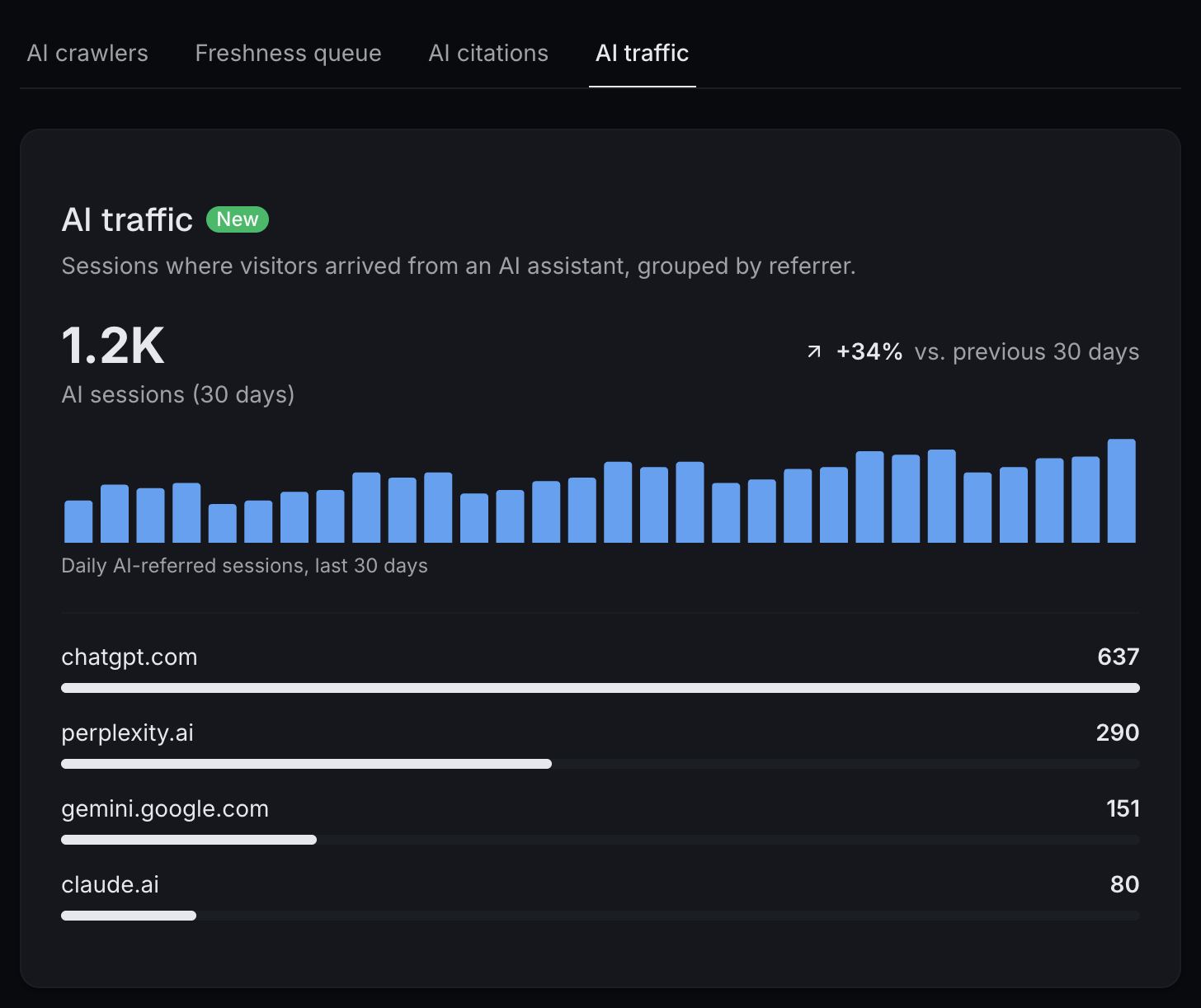
It now has its own tab in AEO, next to AI crawlers, Freshness queue, and AI citations.
You get a 30-day total, the trend against the previous 30 days, a daily chart, and a breakdown by assistant.
Suggested queries and the AI traffic tab are part of the Growth Plan.
See where you stand before you upgrade
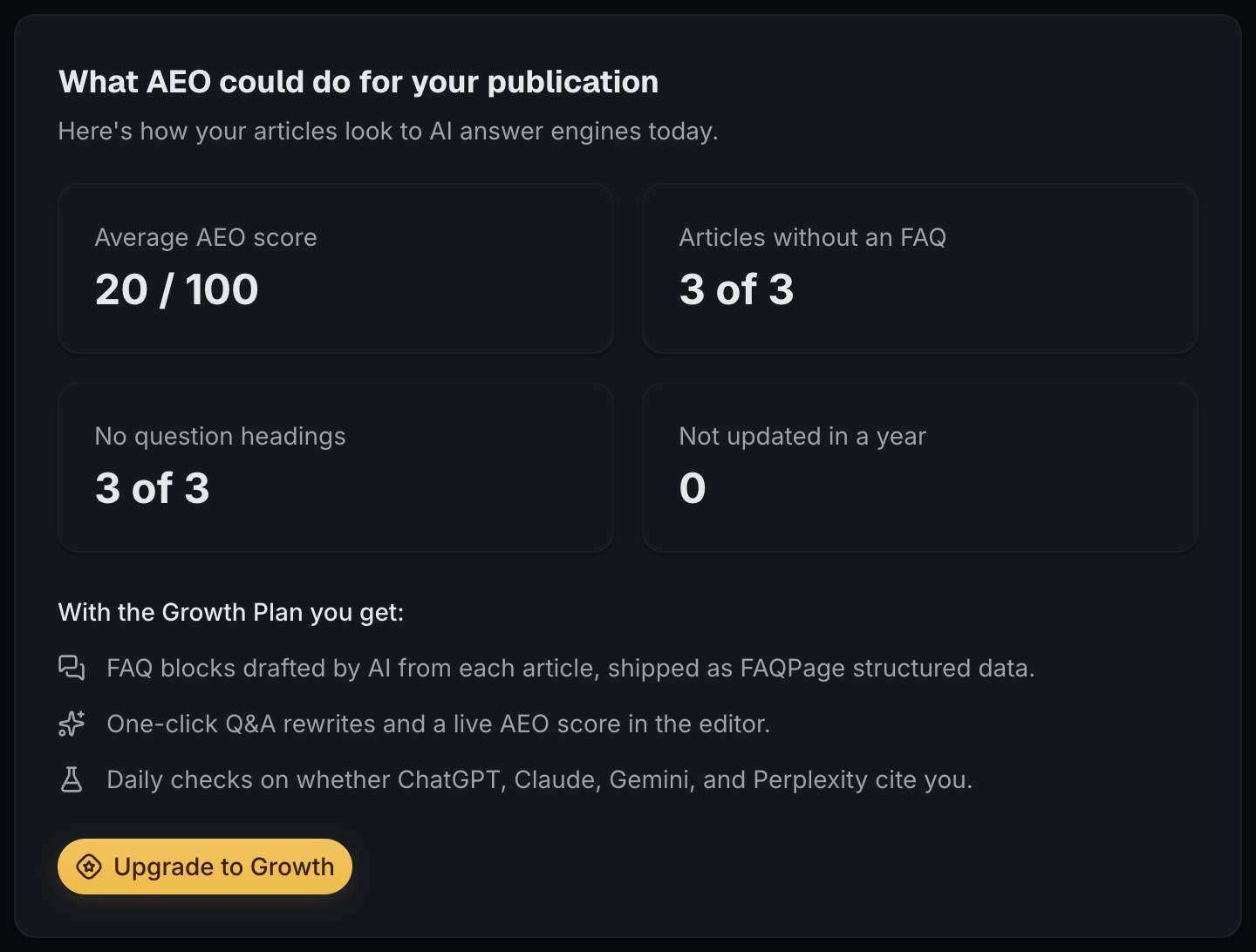
If your publication isn't on the Growth Plan, the AEO page used to show a feature list. Now it shows your own numbers. You get your average AEO score, how many articles have no FAQ, how many have no question headings, and how many haven't been updated in a year.
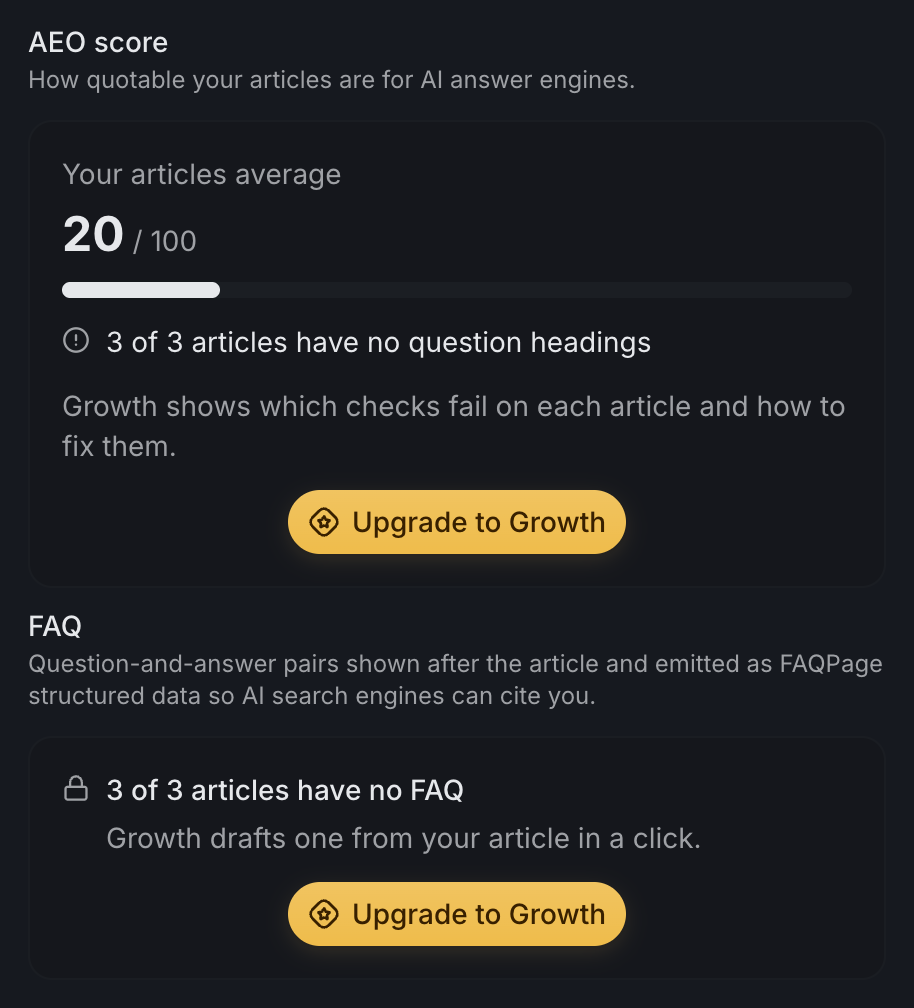
The editor shows them too. Open Publish, then Discovery, and look at the AEO score and FAQ sections.
Only owners and admins see the numbers.