Siddharaj Suryavanshi, Thanks, and glad that it was helpful.
As you had the follow-up questions on Twitter about it, I thought of answering them here to document everything at the same place. Thanks a lot for asking.
I have an input box to accept the index as a number. In the last two marked lines, I am collecting the number from the input box when someone keyup, or change in it. It will take care of both when someone types in the input box or use the up-down slider to change the number.
Once the number is collected in a variable, I pass the number to a method called findAtIndex(index).
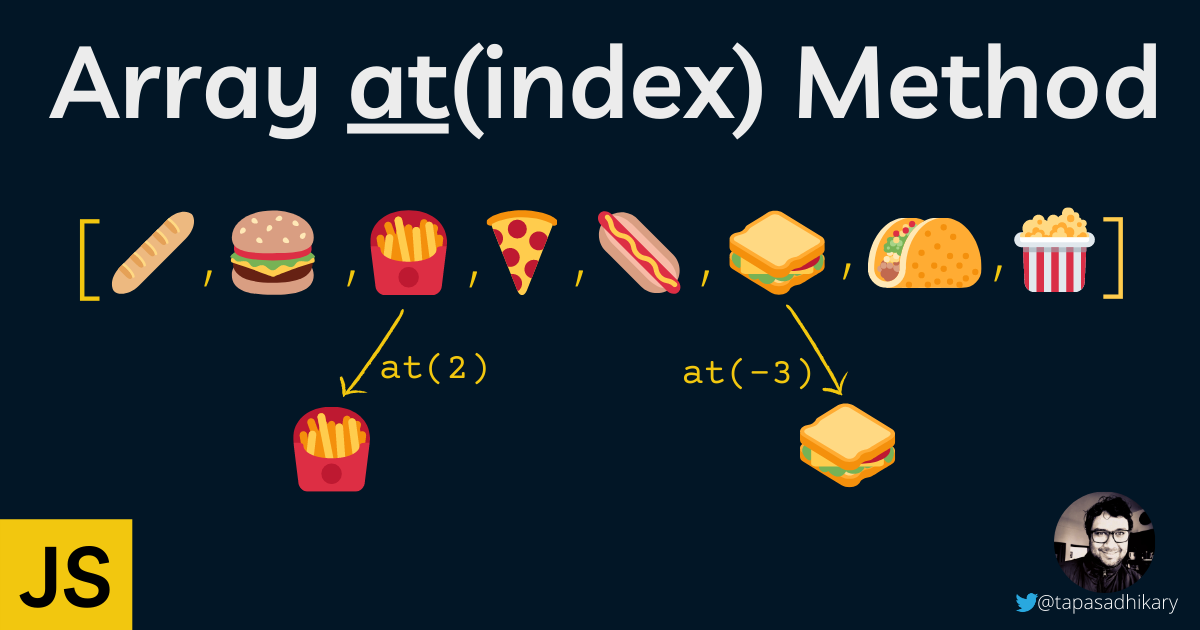
Inside the findAtIndex(index) method, I am first checking if the input in NaN. It can happen when you make the input box empty. If it is NaN, I am printing a blank output. Else, I am using the at(index) method to access it using the index.
The number input box and triggering events to access the element using at() was purely for demo purposes.
I hope it is clear now.
I hope the method gets added soon, it will save one from typing.
Thanks for sharing!
Great Blog Tapas Adhikary, at() was a really new thing to me. Thank you for this amazing blog! Keep up the great work!
Siddharaj Suryavanshi
Thanks Tapas Adhikary for writing this. It was very helpful to know about this method. I am definitely going to use it instead of the conventional methods of accessing array elements.